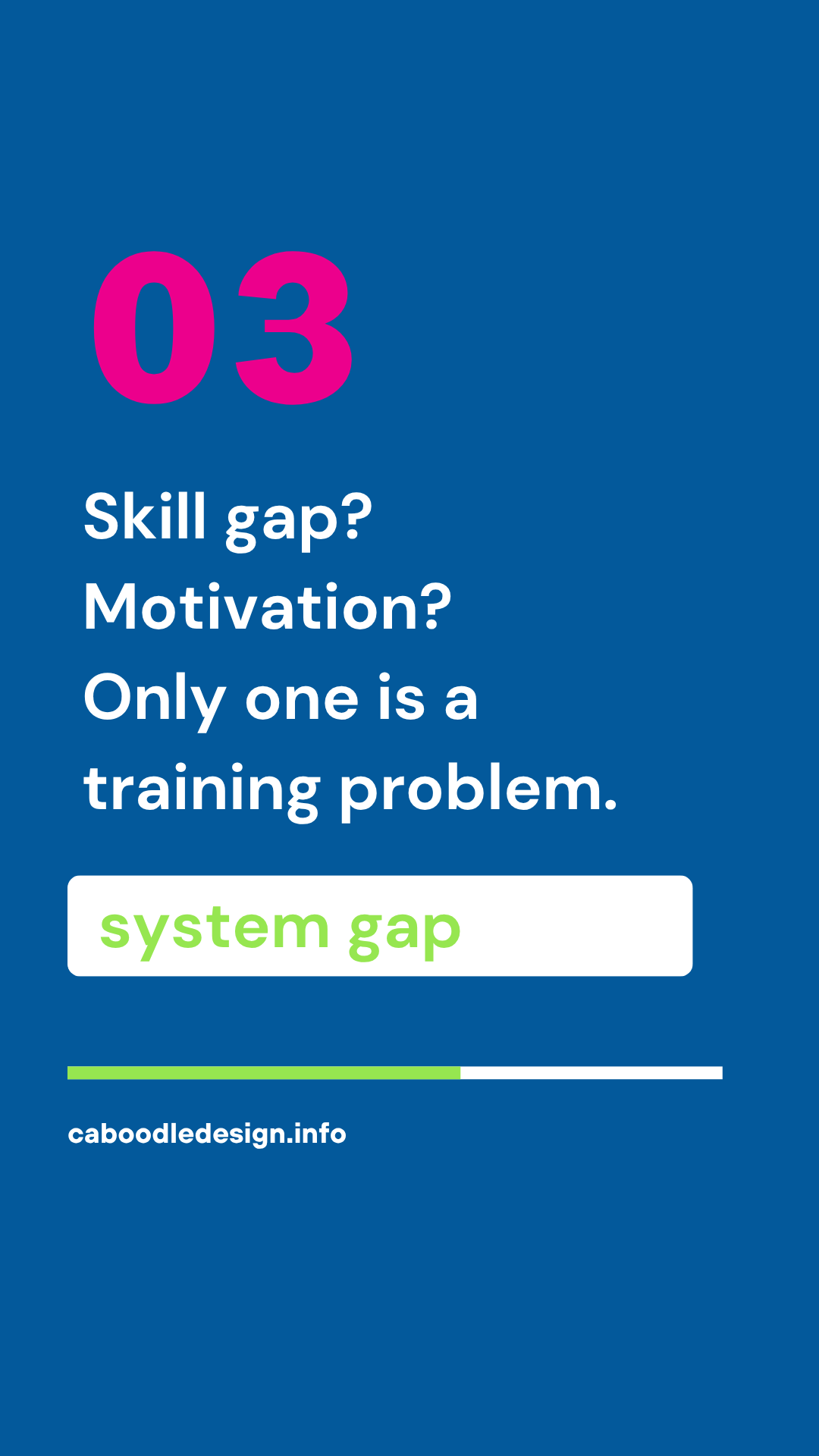
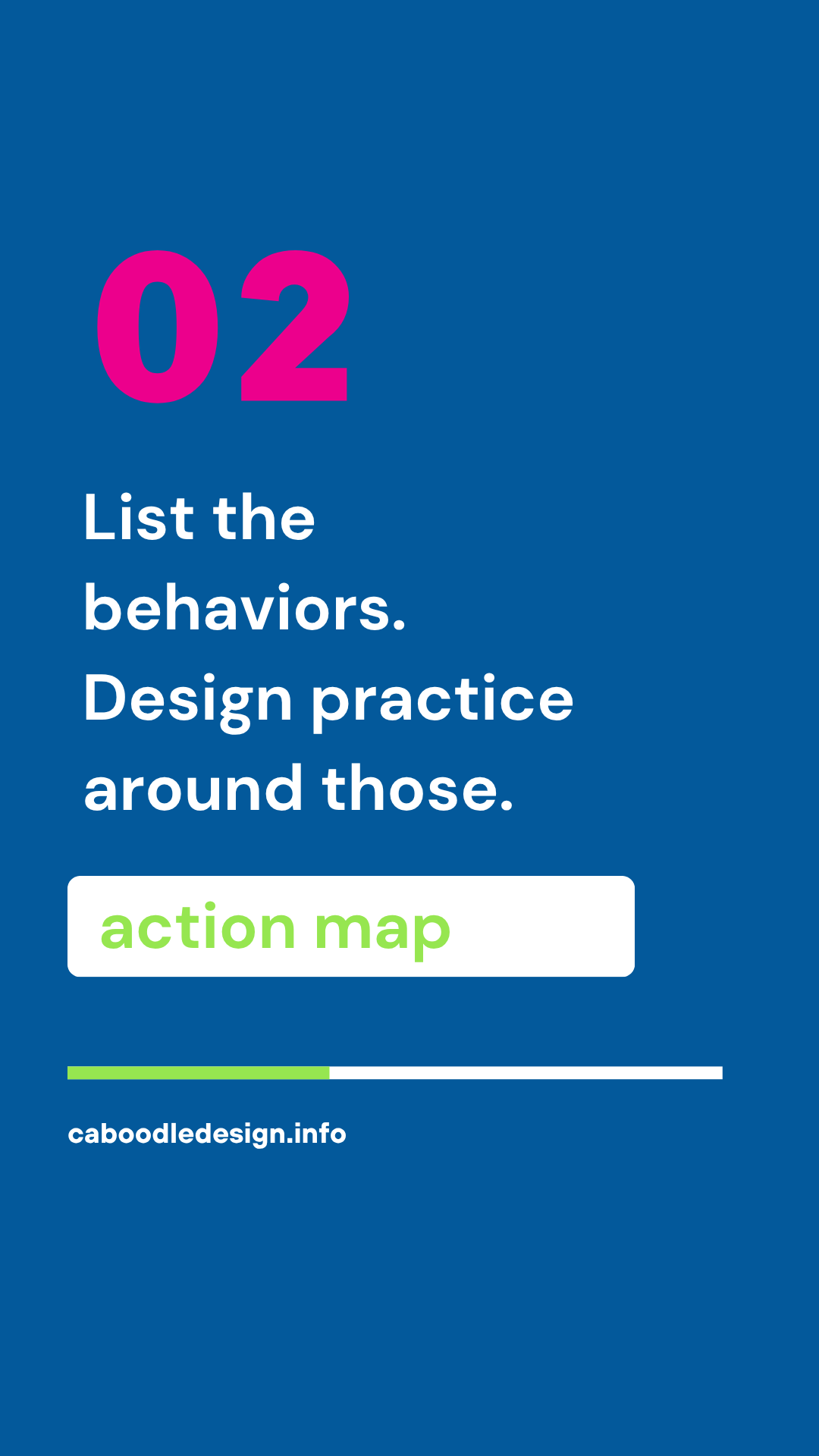
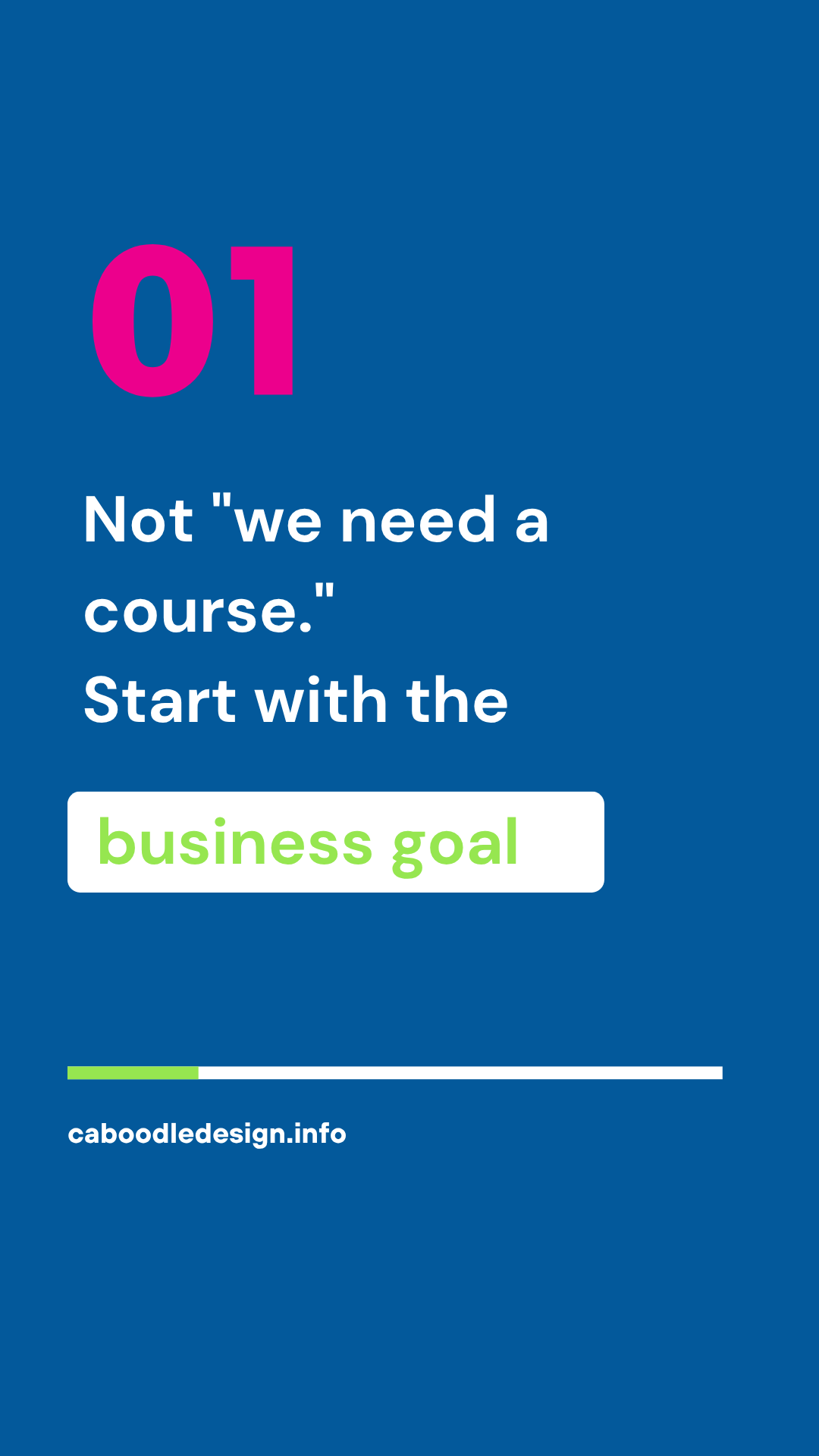
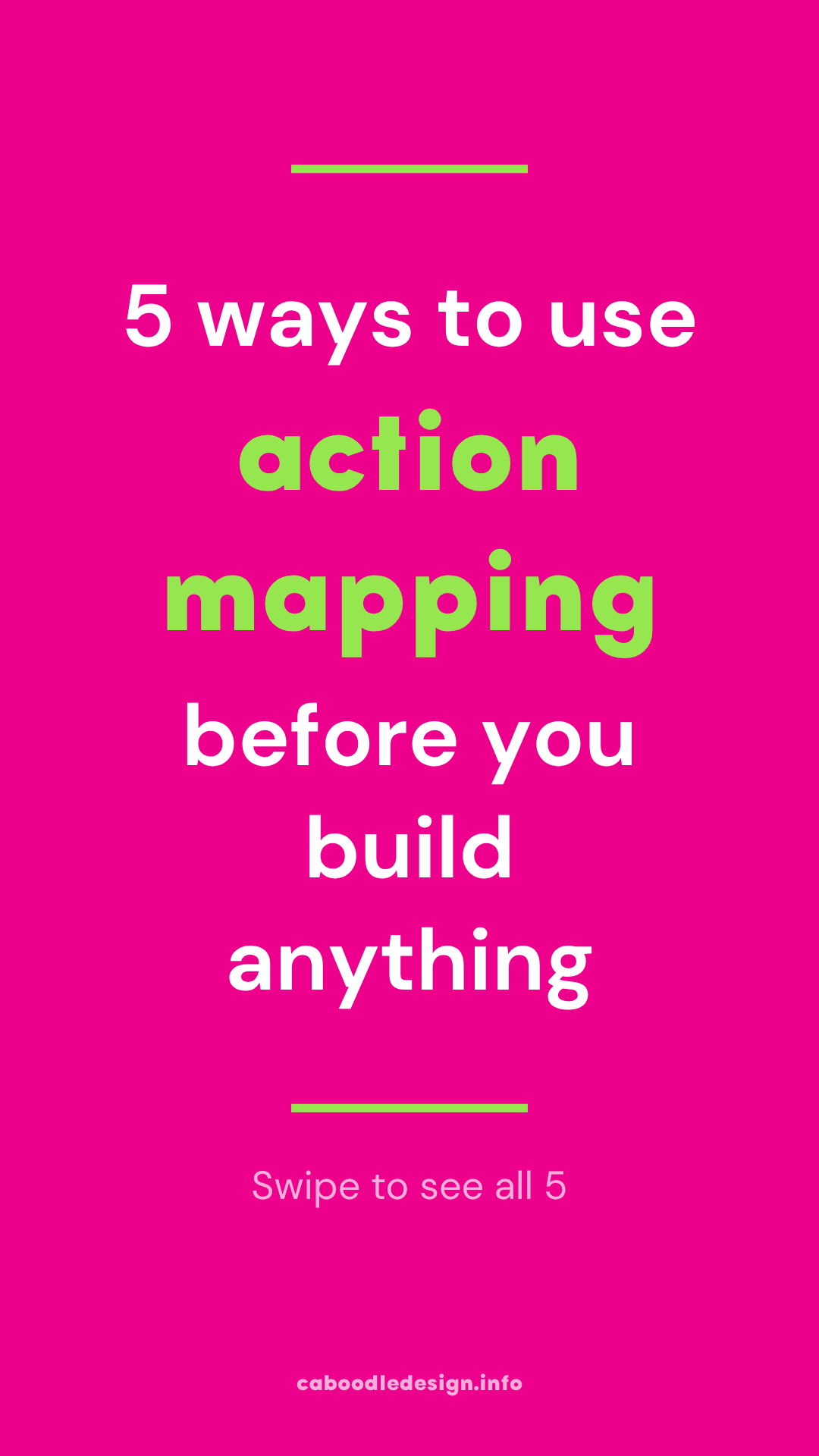
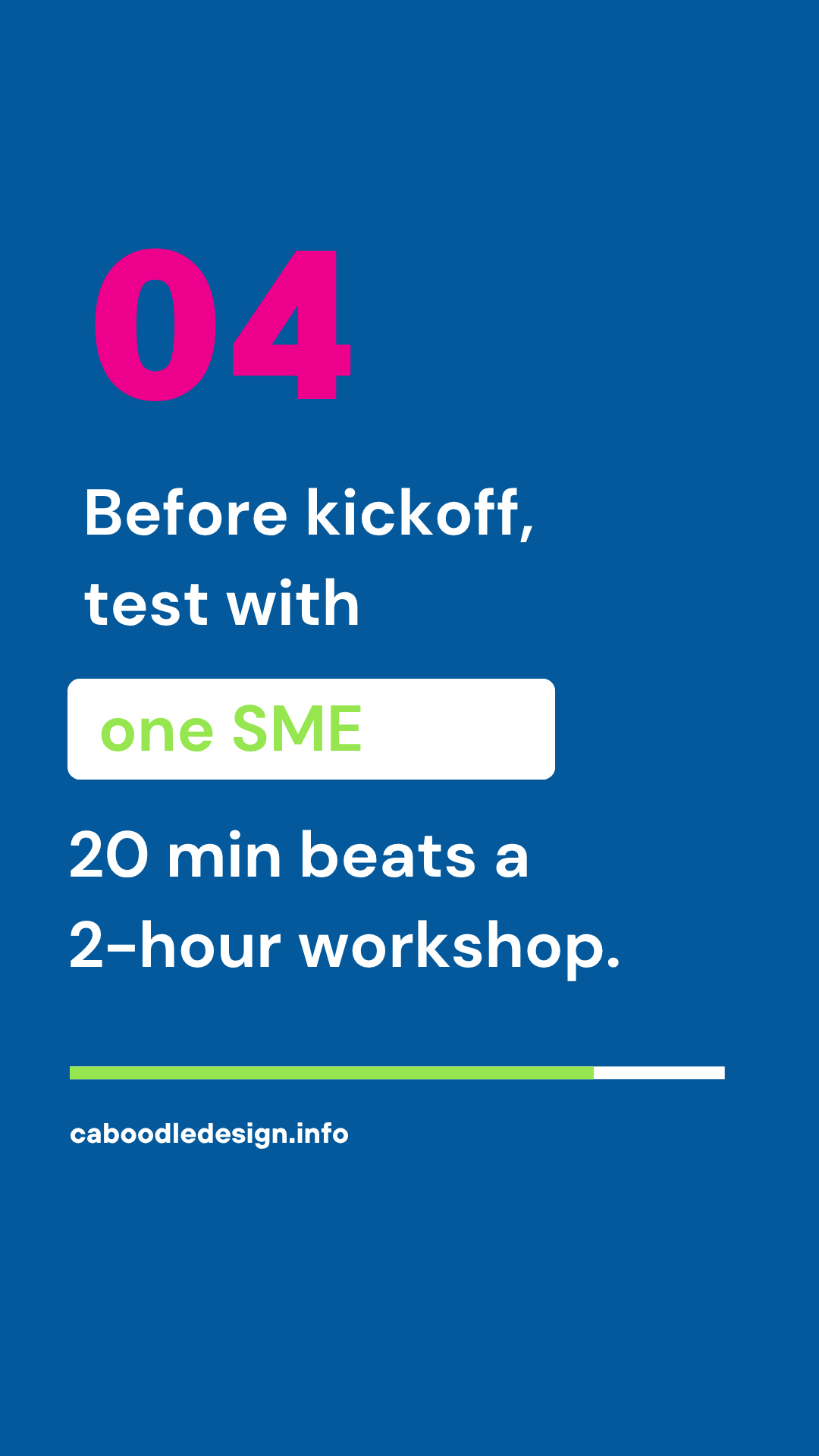
Code-driven video templates with Remotion and automated Canva carousel generation through Claude Code and MCP. From template to published content — no manual design work.
A complete walkthrough of both automation workflows — Remotion video template generation and the Claude Code + MCP Canva carousel pipeline — from structured content input to published output.
This experiment combines two separate automation workflows — each solving a different layer of the content production problem.
Remotion turns video production into a code problem — version-controlled, parameterized templates that generate consistent branded video without touching a timeline editor. Change the copy, re-render, done.
The Canva MCP integration takes a content queue from Notion, reads designated templates, and builds every carousel automatically. Monday morning, the carousels exist — nothing was touched manually.
This is the blueprint for scalable asset production — job aids, micro-videos, onboarding materials, and visual guides all generated programmatically from structured content, not manual design work. The same logic that builds a carousel builds a job aid template.
hover any slide to pull it forward
Early-stage automation with clear expansion paths.
Currently handles a focused set of carousel and video templates. Expanding to story templates, infographics, and short-form video variations.
Video templates currently target a single aspect ratio. Next: automatic rendering for vertical (Reels/TikTok), square (feed), and widescreen (YouTube) from one template.
Templates use structured content input. Next: AI that rewrites and adapts copy for different audiences and platforms automatically before rendering.
Currently outputs go straight to done. Adding a preview and approval step so generated assets get reviewed before they're marked ready to publish.
An interactive demo that simulates moment-of-need learning delivery — the right nudge at the right moment, not just shorter content.
try the experiment ← all experiments